Paper logbook import · Apple Intelligence
Bring your paper logbook with you.
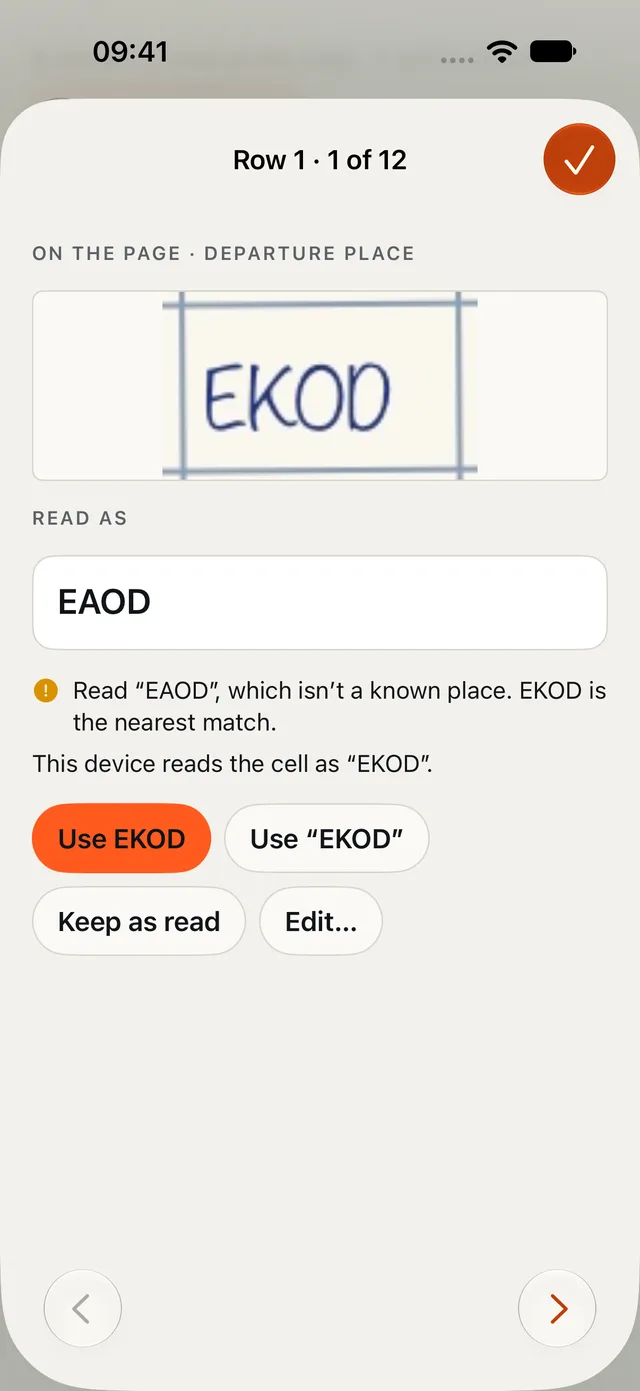
Photograph a page and Apple Intelligence reads the handwriting. You check each reading beside its cell in the photo, then save the page in one go.
- Only the photo you choose is sent, to Apple’s Private Cloud Compute, when you tap Read page. Heligraph’s developer never sees it.
- Unclear cells are marked amber beside the handwriting, with one-tap fixes.
- Check the columns, flights and page totals before you import. Each page is one import you can undo.
- Needs an internet connection and an iPhone or iPad with Apple Intelligence. You can always type the page in yourself.